Clients and the portal
Clients check their page, not your phone.
Every project gets a page under your name — where it stands, every document, and a box to write back.
The portal
Their own page, with your name on it.
It looks like it came from your company, because it did. Where the job stands, every document, and a box to write back — on your letterhead, not ours.
As it happens
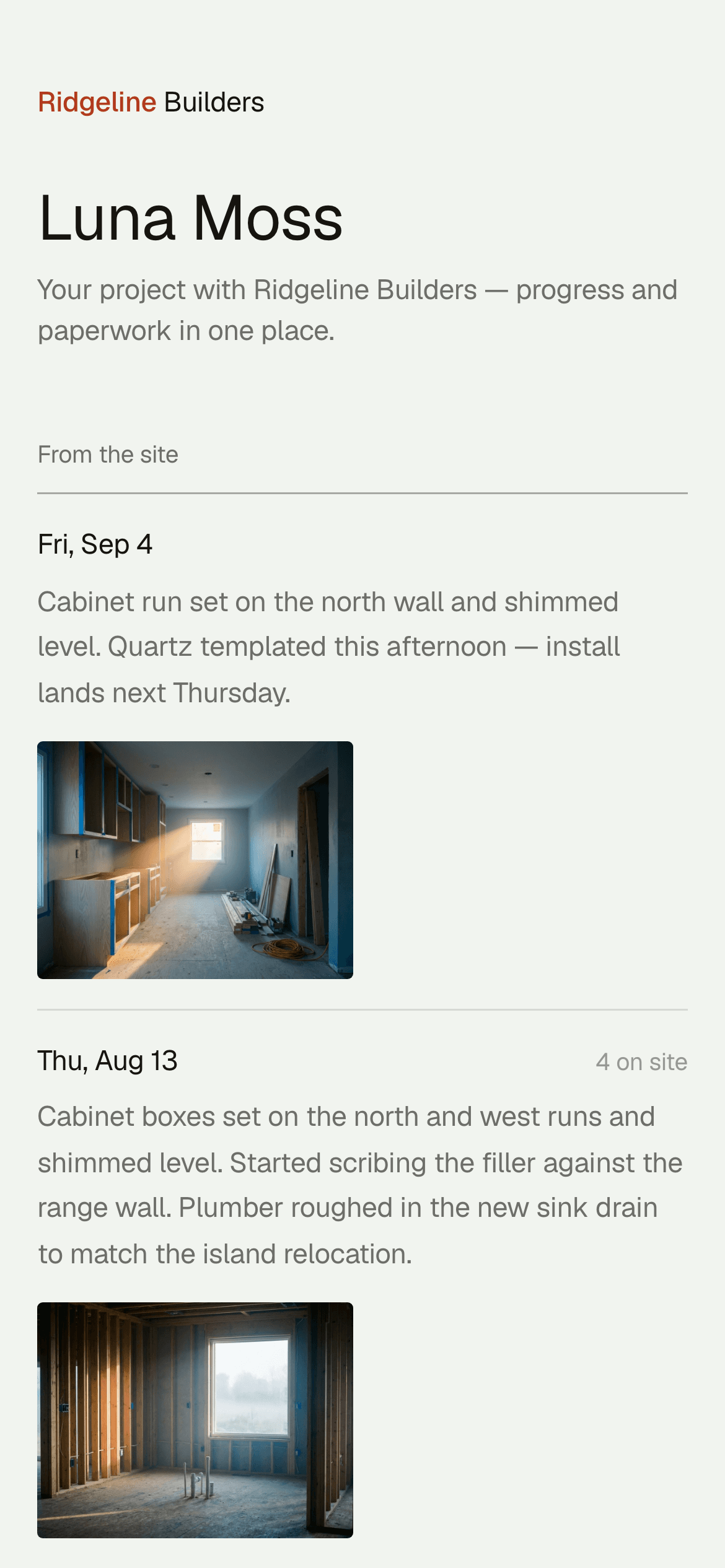
The log they see is the log from the field.
- Logs shared with the client. Confirmed from the field on the phone, visible on their page the same day.
- Milestones carried through. Marked on the schedule, they show up on the client's page on their own — nothing extra to update.
Paperwork
Approvals with one link.
- Change orders, approved in one click. New scope, a total, a signature line — a link the client can click, no login, no portal maze.
- One live schedule link. Always opens the current version, never a stale export you have to resend.
- Know when they've looked. Sent, linked, or PDF — Projects tells you when it was first opened and how long it's been sitting, so the follow-up call goes to the one going cold.
Behind the page
Every client is an account, not just a project.
Open balance, open proposals, work you’ve won, what’s been billed to date, and every property they own if they’re running more than one job — the whole relationship on one page, not just the job it’s tied to.