A real iPhone app. Not a website in a wrapper.
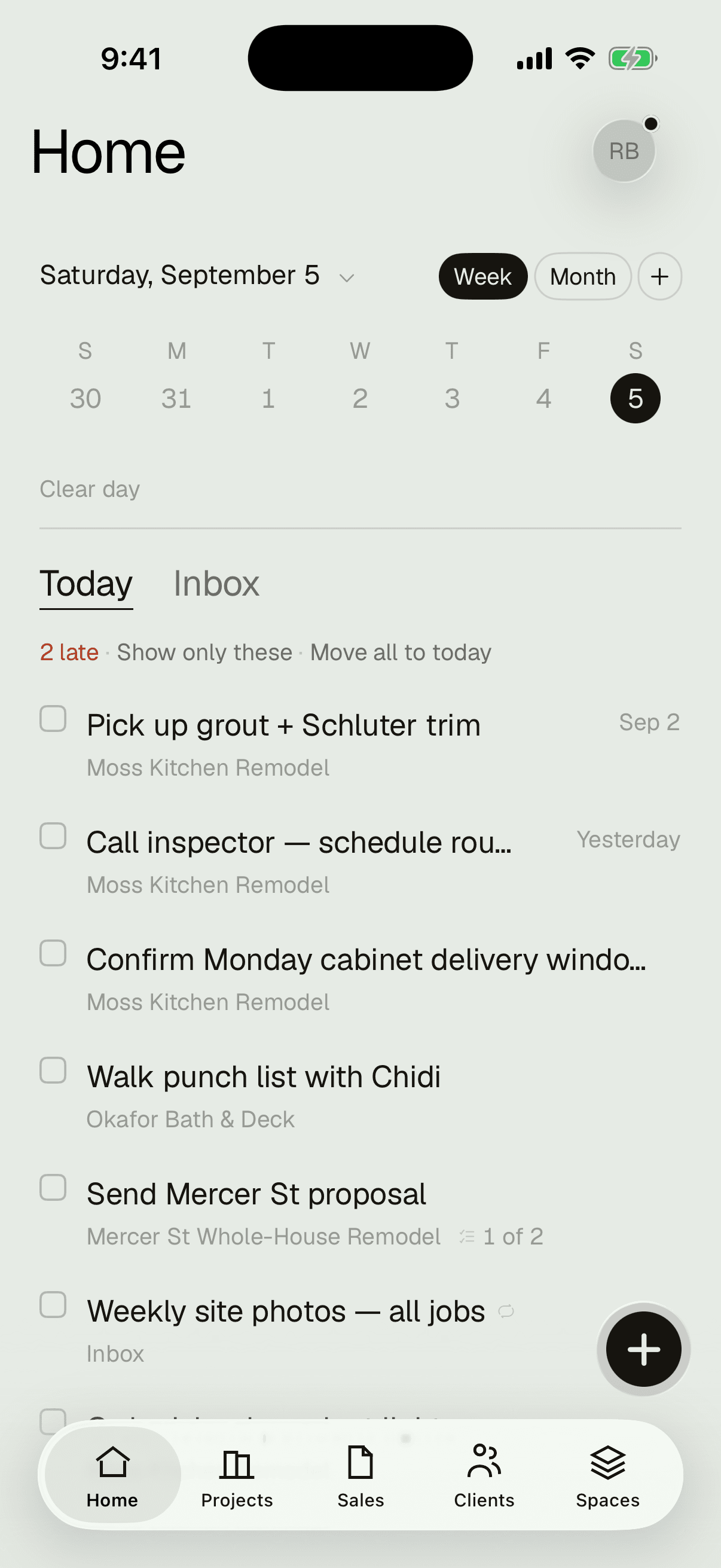
The job doesn't happen at a desk, so Projects doesn't either. The iPhone app is the whole product — schedule, money, plans, photos, and your day — built native and built for no-signal job sites.
In early access — the TestFlight link installs it in about a minute. Or start free on the web now; everything syncs the moment the app is on your phone.
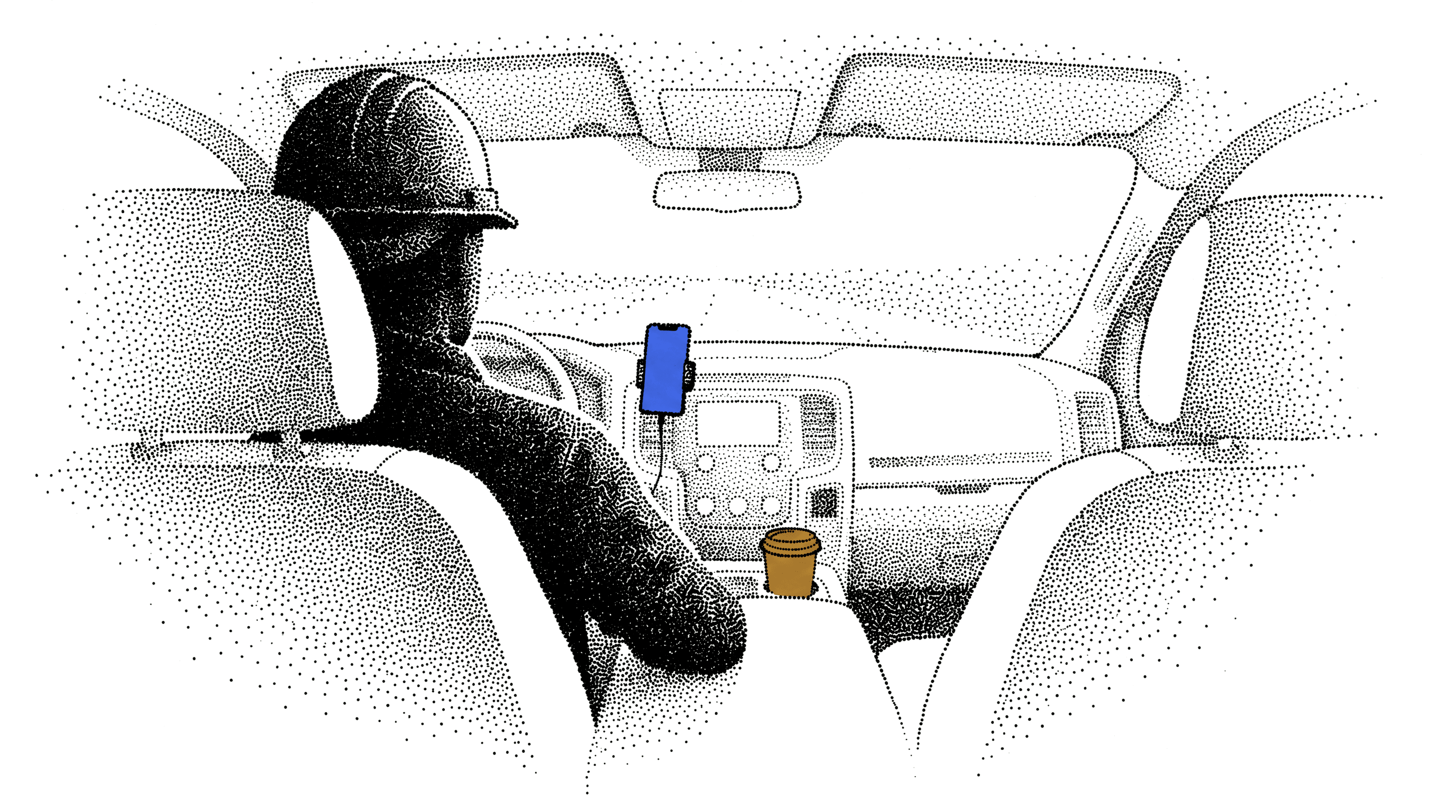
The truck, before the day starts.
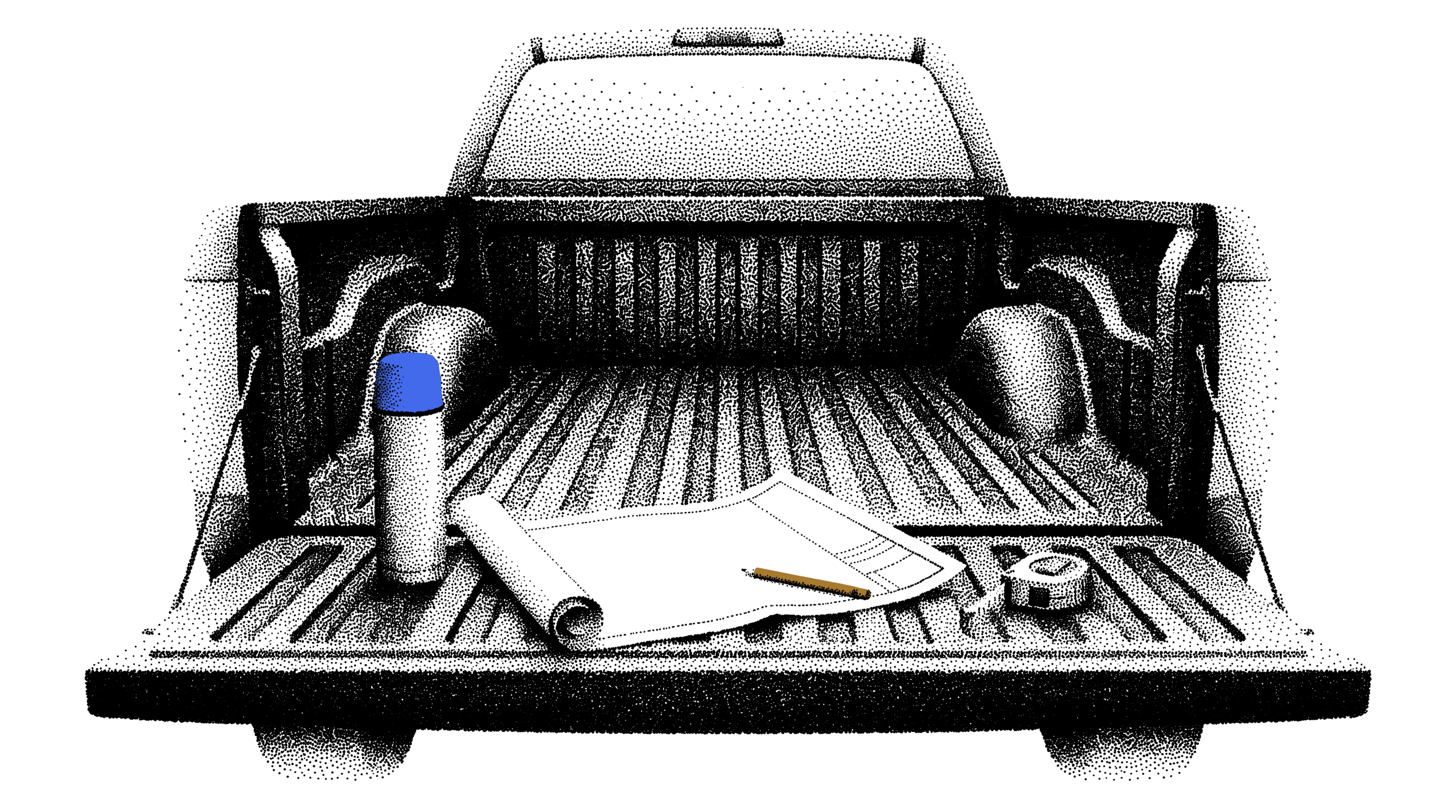
The tailgate, between two jobs.
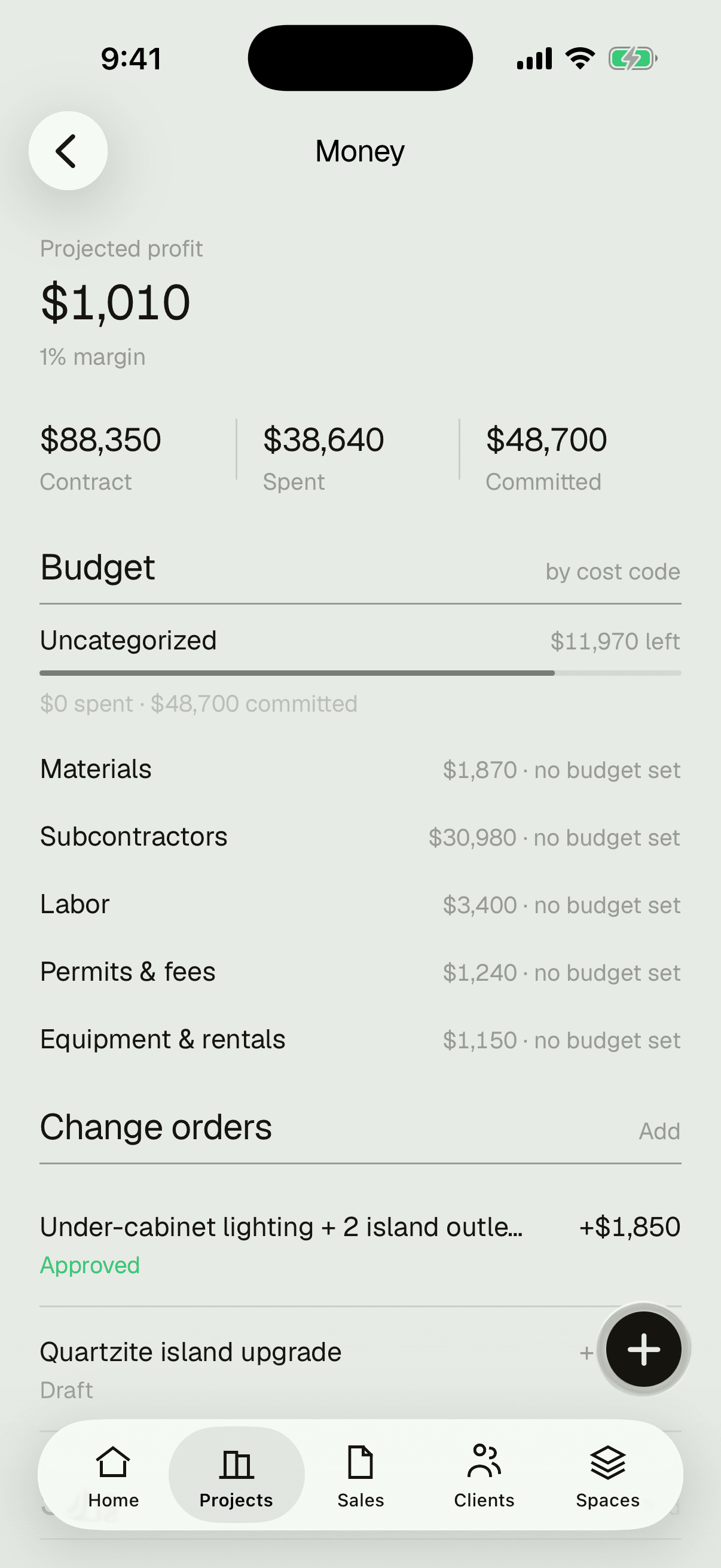
The desk, after the crew has gone.
Works offline on site.
Basements, framing stages, canyons — the app keeps working with no signal and syncs the moment you have bars again. You will never stand in a driveway waiting for a spinner.
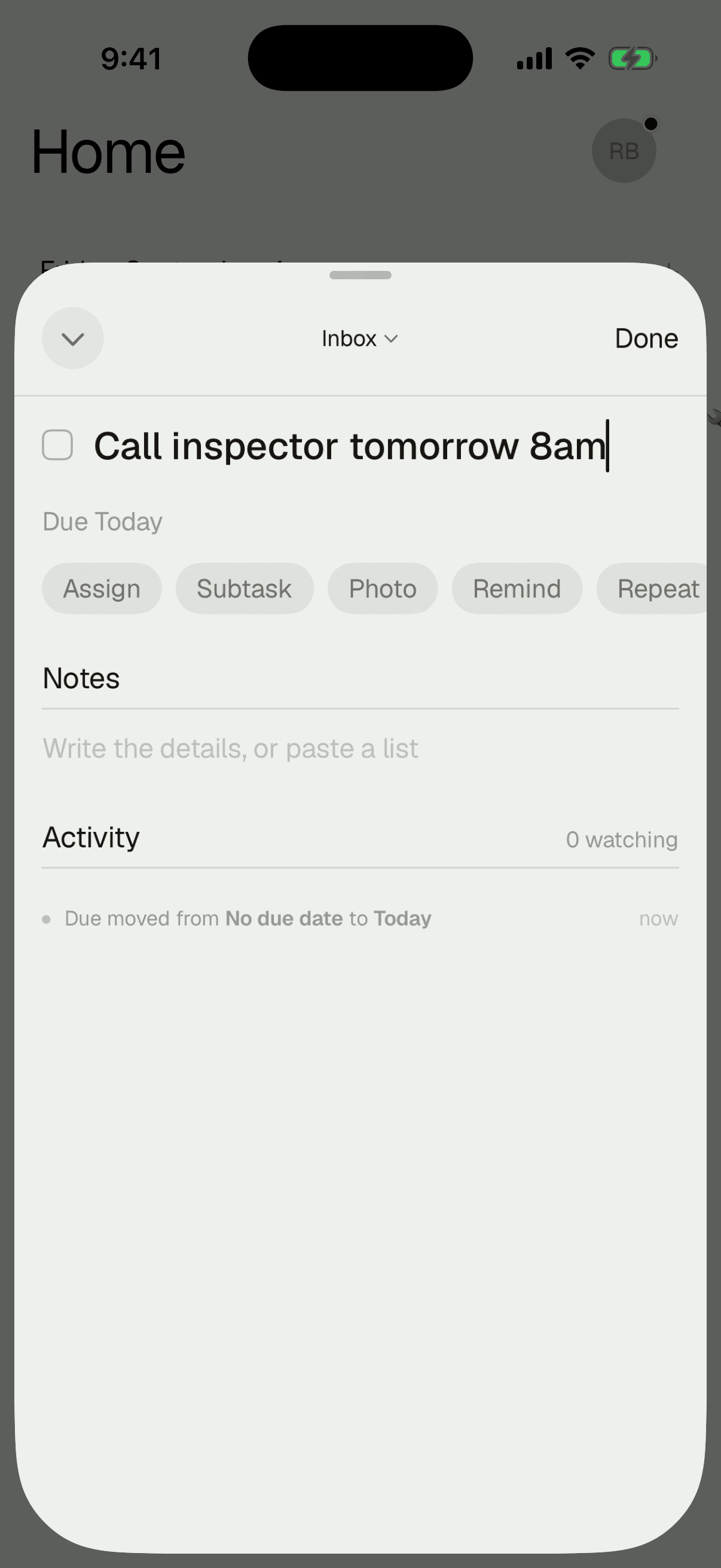
Type it the way you'd say it.
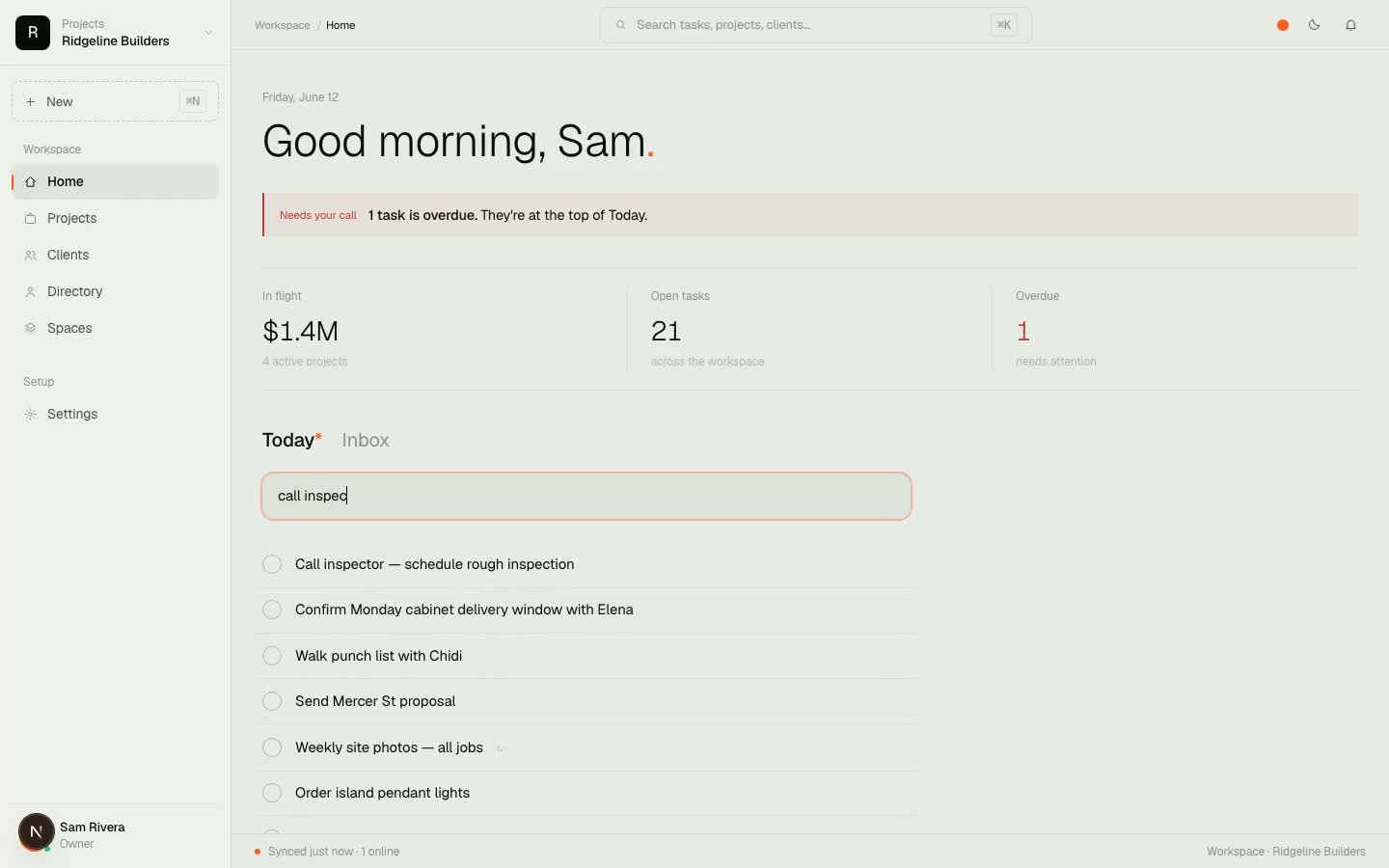
“Call inspector tomorrow 8am.” “Site photos every friday.” The task files itself — date parsed, reminder set, recurrence understood. Brain-dump at red lights, sort never.
Reminders that survive the truck.
Real iPhone notifications, set per task. Recurring tasks come back on their own when you check them off — weekly photos, monthly equipment checks, license renewals.
Plans in your pocket.
Every sheet, every revision, deep zoom that doesn't stutter. Draw redlines with a finger or Apple Pencil while you're standing in the room the sheet describes.
Swipe. Done.
One thumb runs the whole day: swipe a task to complete it, drag the + to file a task exactly where it belongs, pull down to search everything you own.
Native, and it shows.
Built with Apple's newest frameworks, not a website in a wrapper. It opens the moment you tap it and feels like the phone, because it is the phone.
And the office gets a real web app.
Everything syncs live with app.projects.build — the Gantt schedule, the money grid, the directory. Even the natural-language quick add works the same at a desk. Phone on the job, big screen at the office, one source of truth in between.
Start free, then put it in your pocket.
Sign up on the web in a minute — the button at the top of the page puts the app on your phone.