Features
Everything it takes to run the job.
Sell it, schedule it, build it, bill it — Projects does the whole job in one fast app, on the web and on iPhone. This is the long version of what's inside.
Schedule
A Gantt you'll actually keep updated.
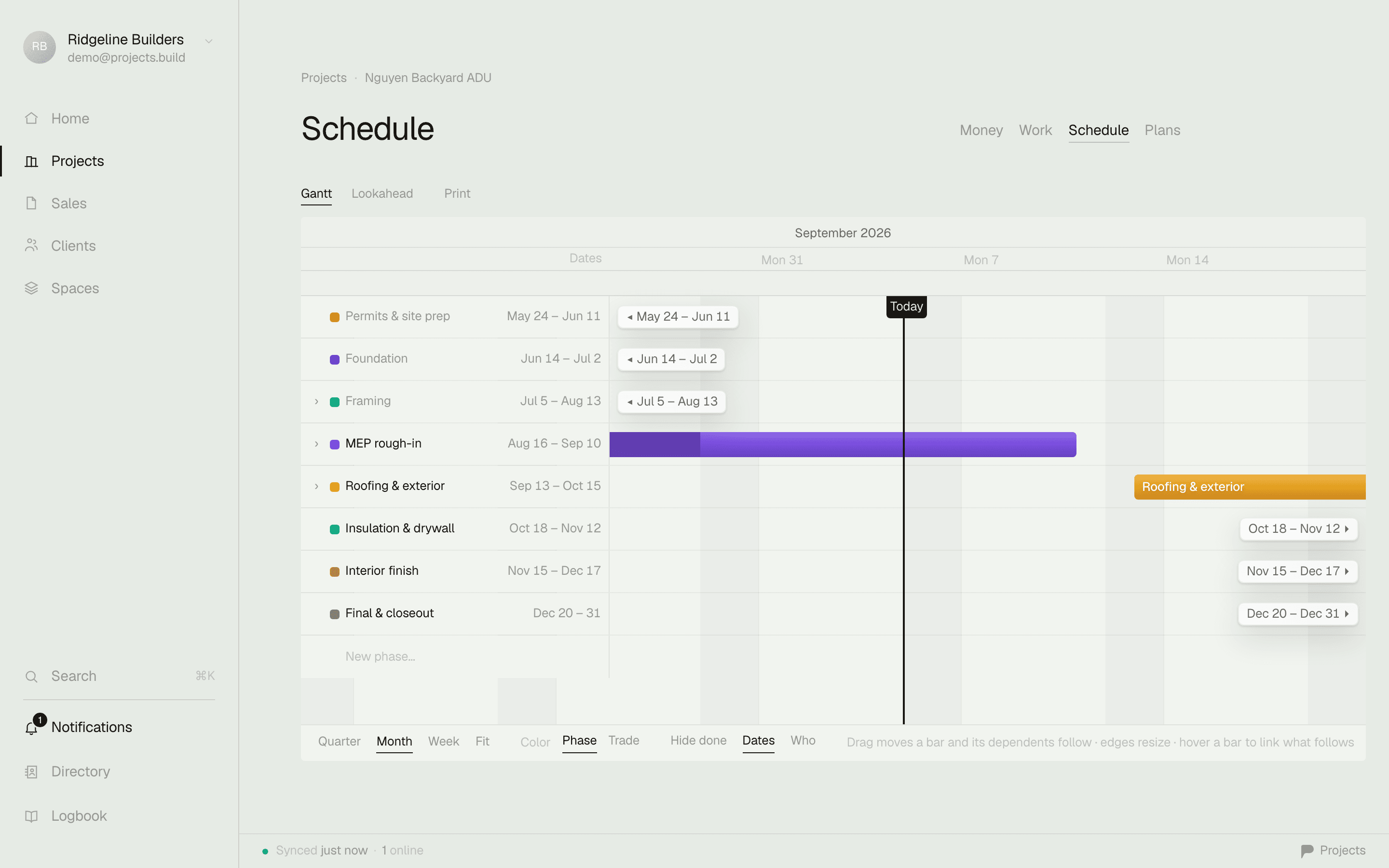
Most construction schedules die because updating them is a chore in someone else's module. Ours is the same task list you already run — every dated task is a bar on the chart, and dragging the bar is the update.

- Drag to reschedule. Grab a bar and move the phase — dates save the moment you let go. No edit dialogs, no re-import.
- Zoom to the horizon you're working. Quarter view for the client conversation, month for planning, week for what's actually happening on site.
- Lookaheads without a second document. Zoom the window to the next three weeks and print — a clean, dated lookahead the crew and the client can both read. Shorter windows work the same way.
- The whole project on one line of sight. Phases, tasks, weekends shaded, today marked. Where the job is and where it's headed, in one look.
- Fit for client eyes. No legacy chrome, no gridline soup. A schedule you can put in front of the person paying for the work without apologizing for it.
- Linked to the work, not beside it. The bar is the task. Check it off in the field and the schedule already knows — there is no second system to reconcile.
Tasks
Tasks that file themselves.
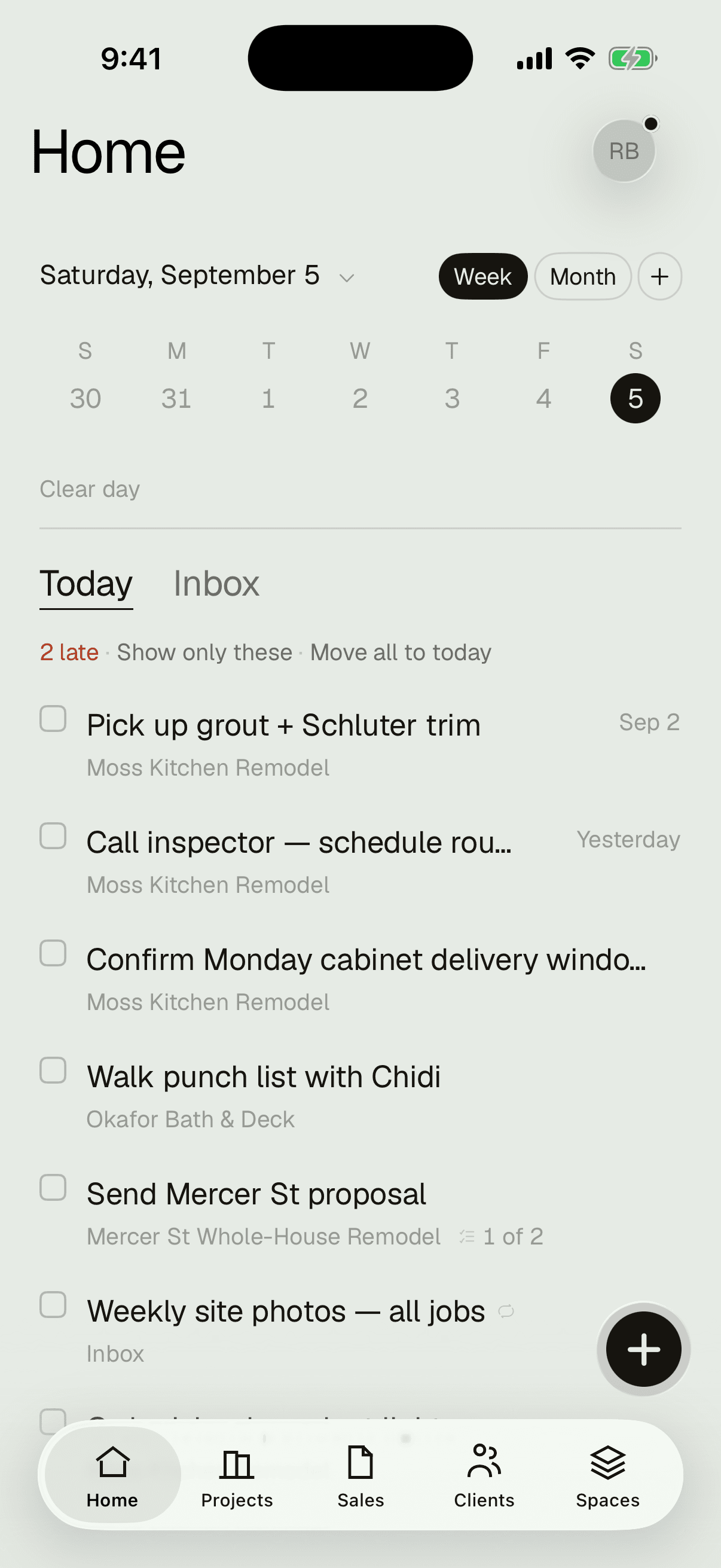
Type it the way you'd say it — “call inspector tomorrow 8am”, “site photos every friday” — and it files itself: date parsed, reminder set, recurrence understood. Capture takes seconds, so it actually happens.
- Today opens overdue-first. The day's list, worst news on top. Move all to today when the day gets away from you.
- Recurring work comes back on its own. Weekly photos, monthly equipment checks, license renewals — check them off and they reschedule themselves.
- Reminders are real notifications. On your phone, at the time you set, whether the app is open or not.
- Everything lands where it belongs. A phase on the job, a list in a space, or the inbox to sort later. Scope of work in, actionable items out.


Money
Every dollar, live on the job.
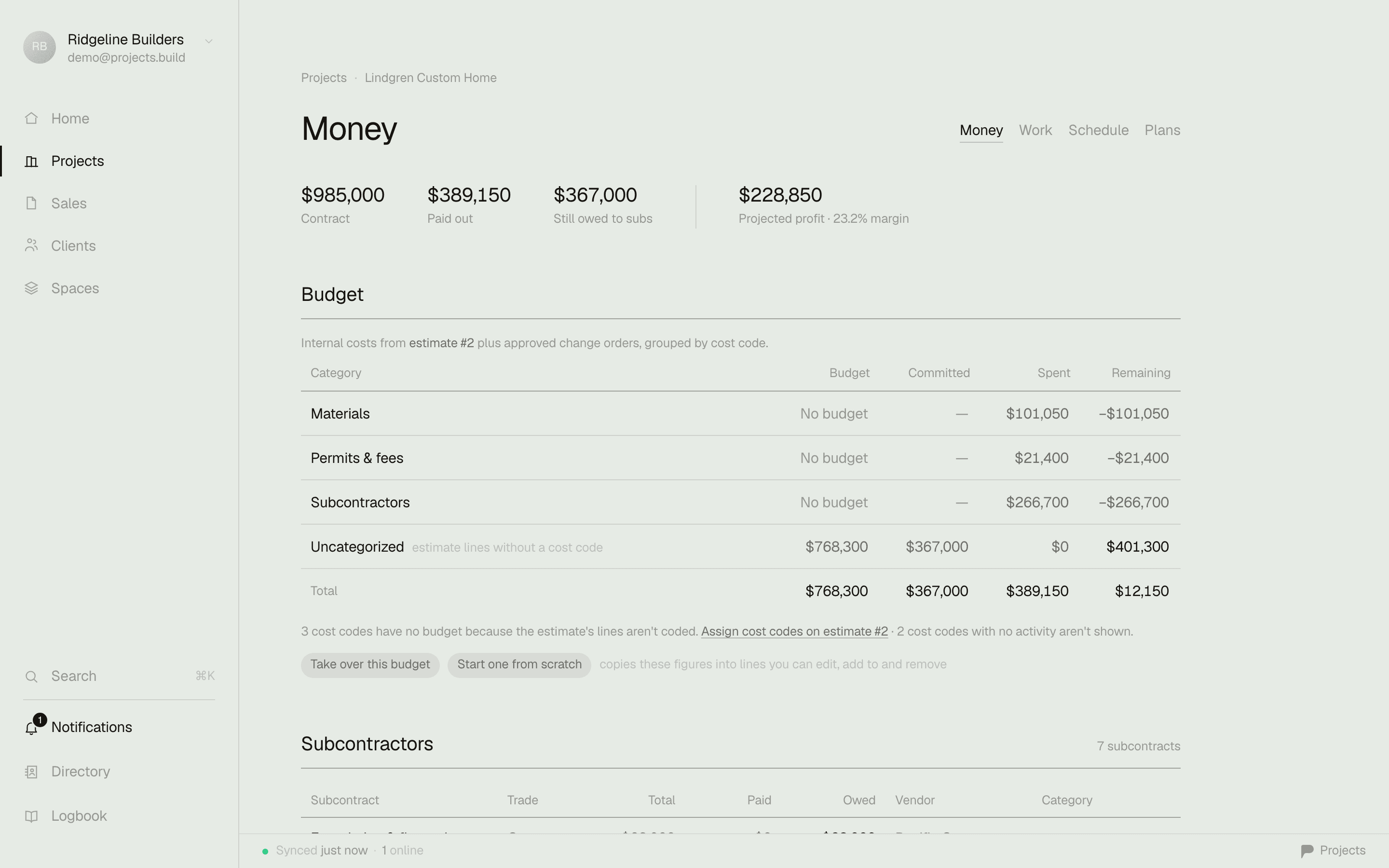
Contract, spent, remaining, pending change orders — the moment you open a job. Entry is as fast as your spreadsheet was; reading it is faster.
- A grid that types like a spreadsheet. Arrows, enter, undo — your fingers already know it. It just never goes stale.
- Receipts read themselves. Attach a photo of the receipt and the amount, date, and vendor fill in on their own. Filing from the truck takes one photo.
- Change orders with a paper trail. Priced, sent, approved — and the job's remaining number moves the moment it's signed off.
- Your accountant still gets a clean CSV. Every expense linked to its vendor and its receipt, exportable in one click.
Estimates & invoices
The scope you sell is the plan you run.
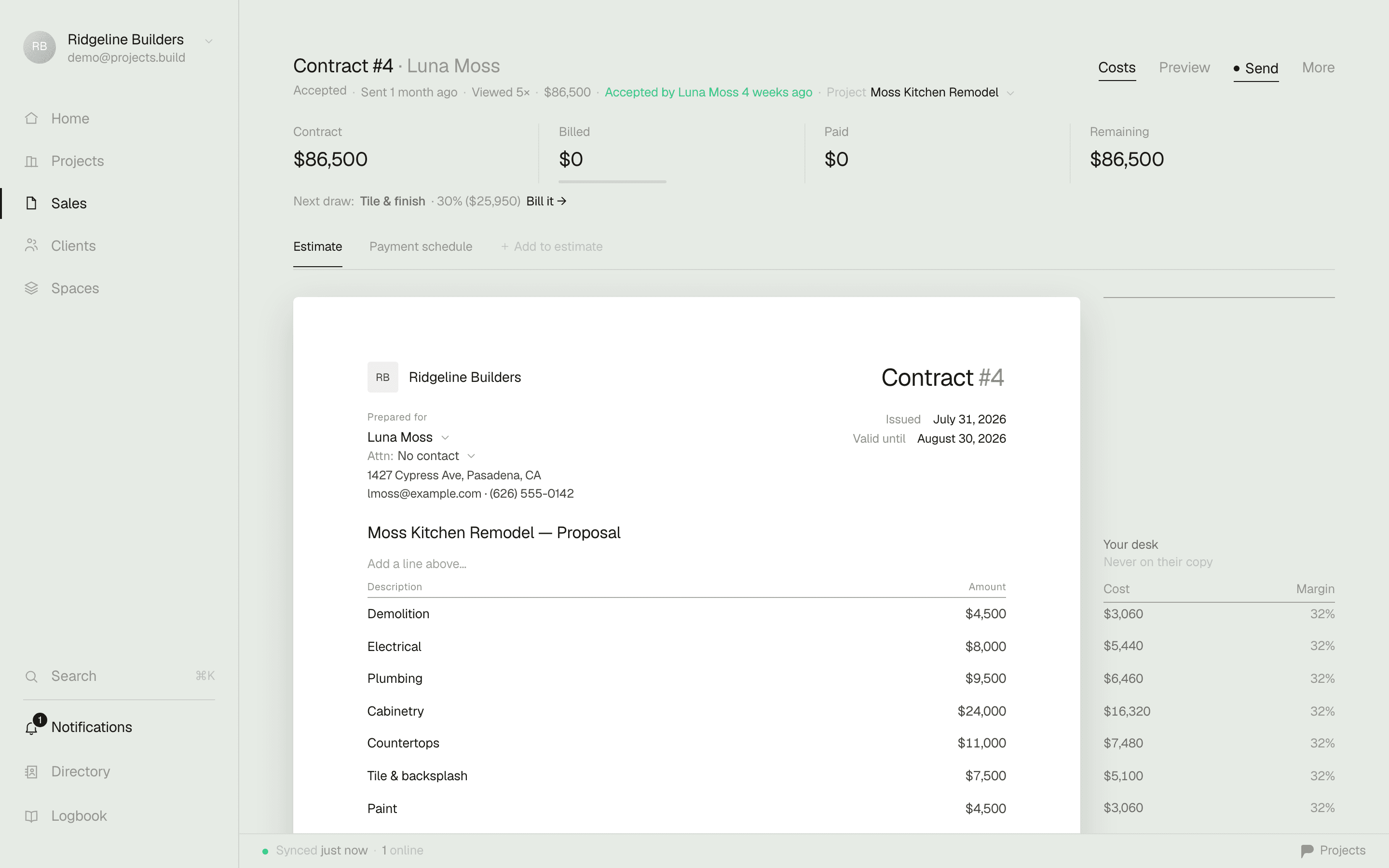
Write the estimate once. Your client signs a clean page with your name on it — no login, no portal maze. The numbers become the job's budget, the scope becomes the working task list, and you invoice against it as the work moves. Nothing gets retyped.
- Proposals that look like you charge real money. A sharp, branded PDF and a signing page — not a printout of a form.
- Progress billing built in. Bill 30% at rough-in, 30% at drywall — the invoice knows what's been billed and what's left.
- Cost privacy handled. Your markup and unit costs stay yours. The client sees the price, not the math.
- Get paid without chasing. Send the invoice, they pay online, the job's numbers update. Done.
Plans & photos
The drawings and the proof, on the job.
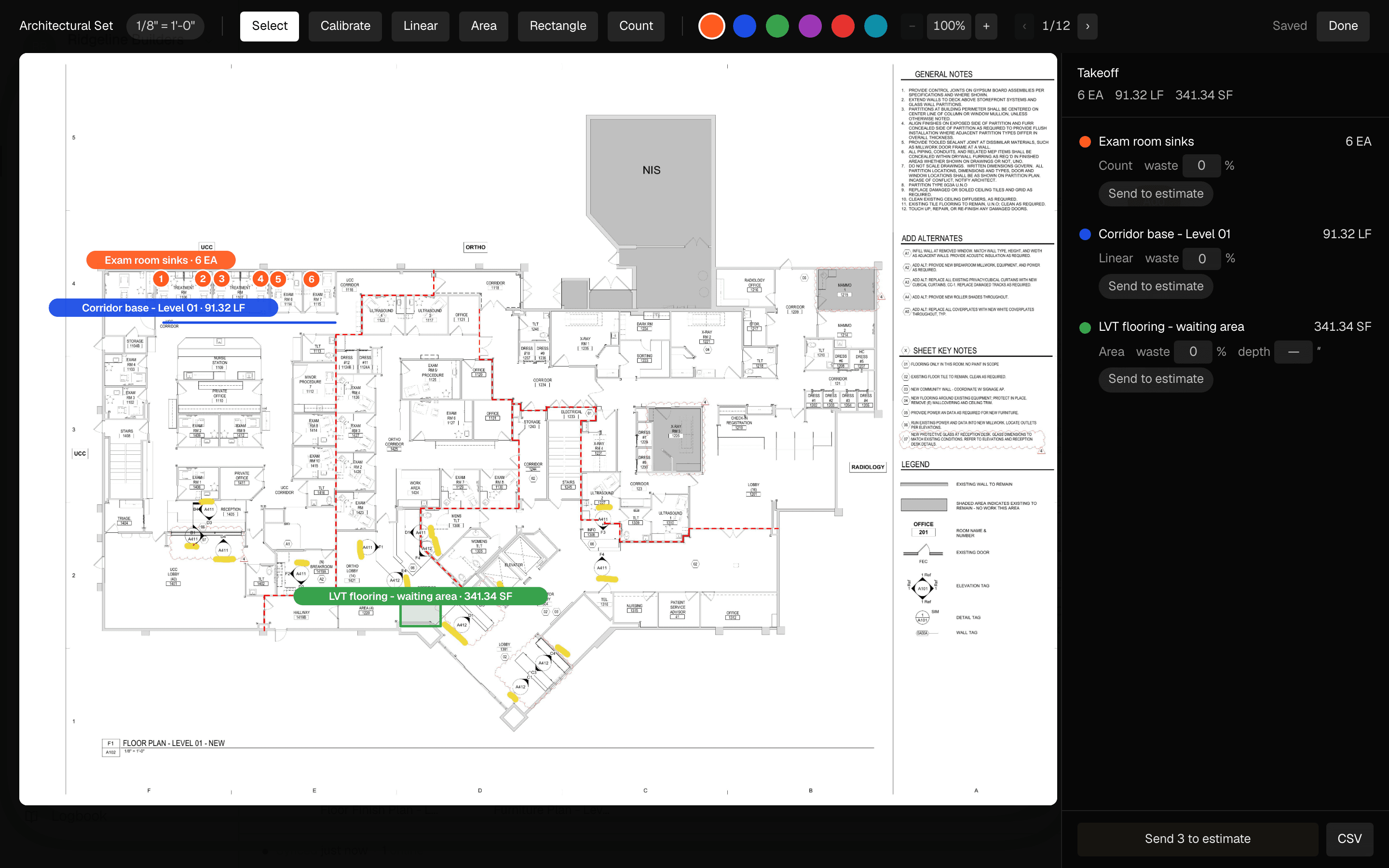
Every sheet and every revision with deep zoom that doesn't stutter — and redlines you draw with a finger or Apple Pencil, standing in the room the sheet describes. Site photos land on the project, not in your camera roll between kid pictures.
- Markups that stay with the sheet. Circle the beam, note the change, and it's there for whoever opens the plan next.
- Find the pre-drywall shot. The day the question comes up, months later — it's on the job, dated, where you left it.
- Photos on clients too. Before-and-afters and site records follow the relationship, not just the job.


Clients & sales
The pipeline and the relationships, not just the jobs.
Every project carries a status — open, bidding, active, closed — so the deck doubles as your pipeline. Every client is an account: their jobs, their money, their contacts, their history, on one page.


- Bids don't fall through the cracks. What's out, what's stale, what needs a follow-up call — visible from the deck.
- The client page answers the phone call. What have they paid, what's outstanding, what did we do for them in 2024 — one look while it rings.
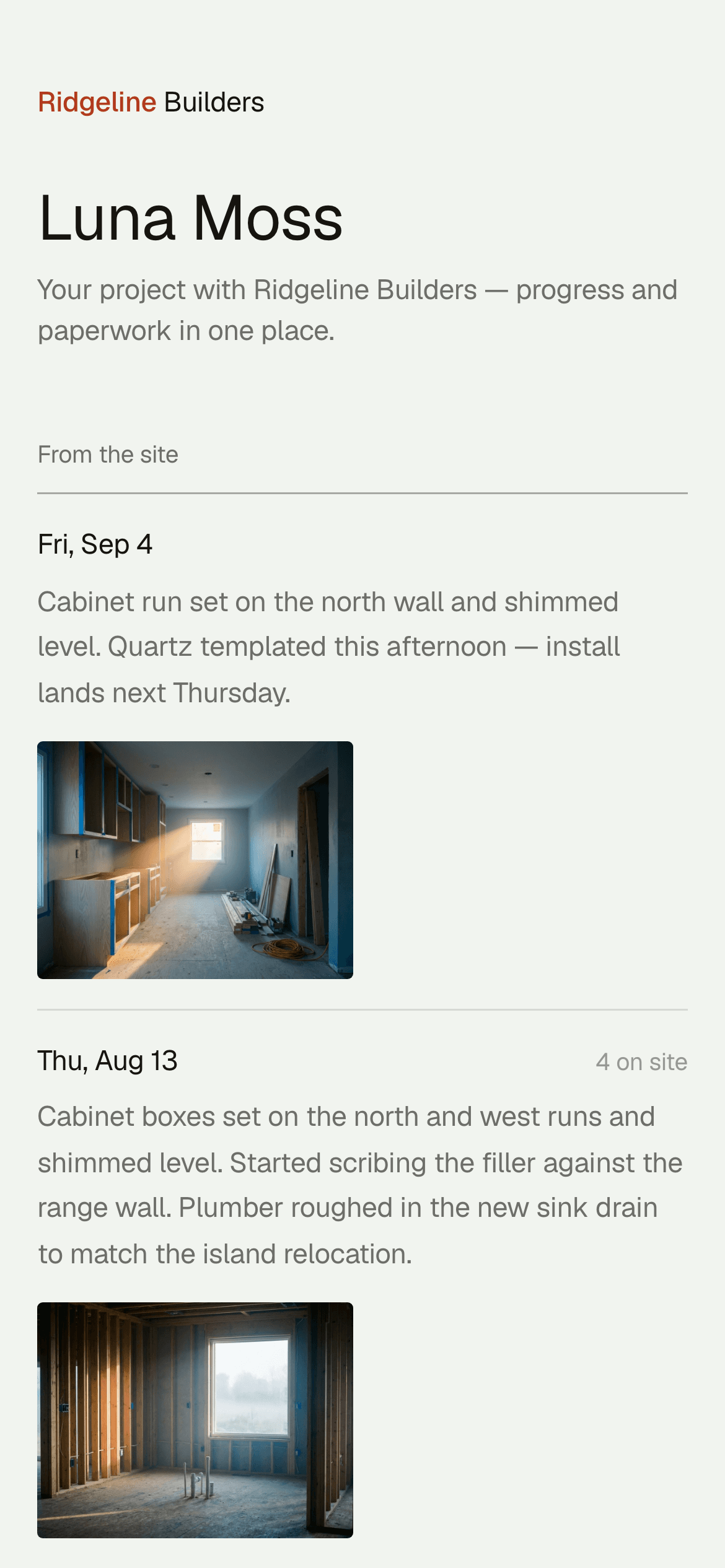
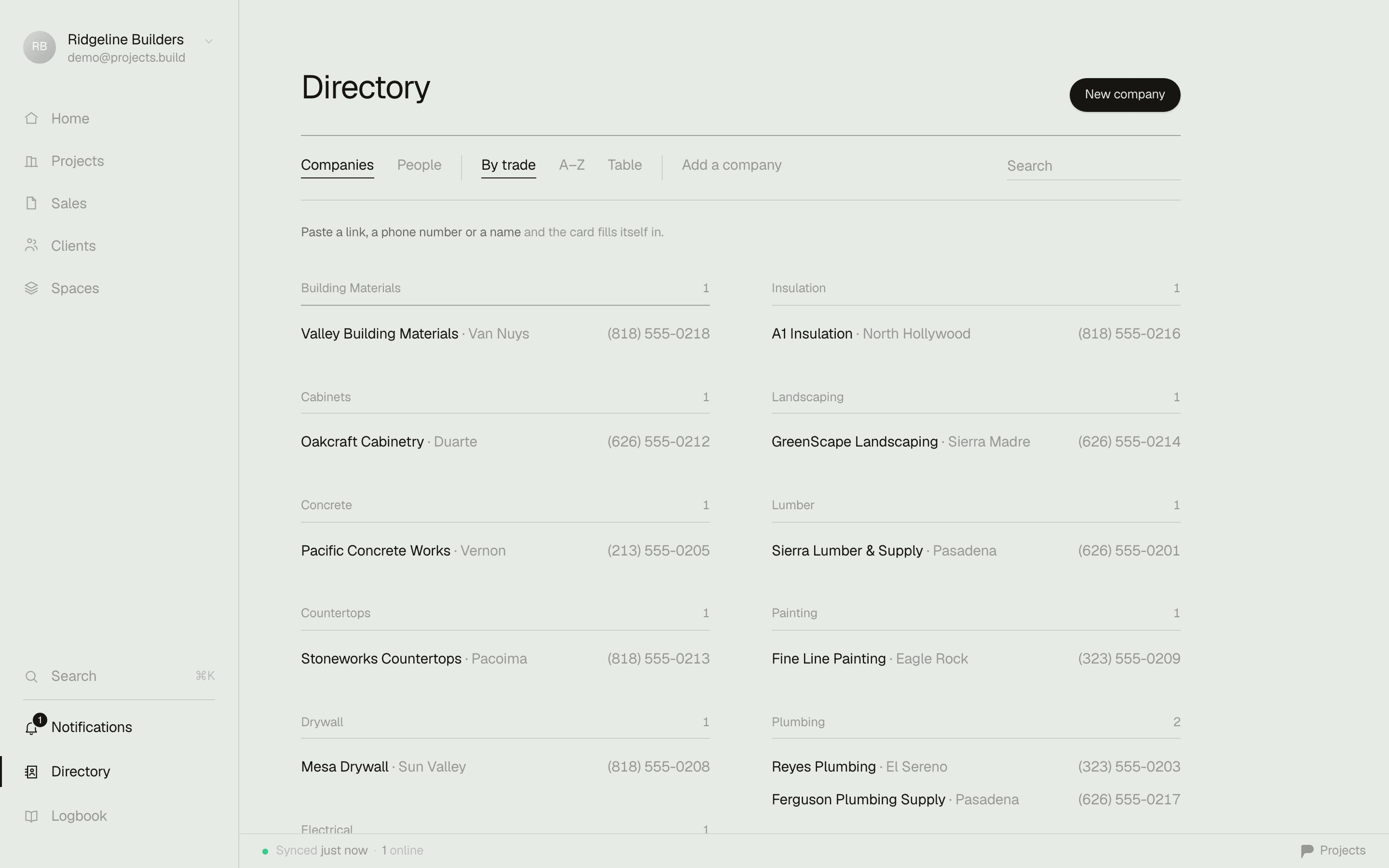
- Your sub book is your edge. A private directory of every sub, supplier, and yard you trust — your ratings, your notes, your history. Your company holds the only copy.
- Contacts with faces. People, trades, licenses, and the projects you've run together.

Spaces
A home for the work that isn't a job.
The warranty list. The shop and the equipment. Office ops, marketing, the truck's registration. Spaces hold the company's work the way projects hold the job's — so none of it lives in your head or a legal pad.
- Lists inside spaces. Warranty by house, equipment by machine, marketing by channel — structure that matches how you think about it.
- Shared or private. Company spaces everyone sees; private ones only you do. Your estimating scratchpad stays yours.
- Pin what matters to every Home. Admins can pin a list — safety checklist, this week's priorities — to the whole team's day.
Team
Built for the office and the field.
Invite the whole company. Office seats run the business; field seats are free — every foreman and lead gets the day's work on their phone without the seat math punishing you for it.
- Field seats are free. The crew sees their tasks, checks work off, files photos from site. You pay for the people who run the office, not the people who swing hammers.
- Everyone sees exactly enough. Per-project members, private spaces, personal inboxes. The painter doesn't browse your margins.
- See who's on the job right now. Presence on shared spaces and live sync everywhere — two people can run the same job without stepping on each other.
- A trail for who did what. The activity log keeps the workspace honest — task by task, change by change.
iPhone
The field runs on iPhone.
A real native app — not a website in a wrapper. It opens in under three seconds, works with no signal in the basement, and syncs the moment you have bars again.
- Offline is the default. Everything you own is on the phone. Work through the dead zone; it reconciles itself later.
- One thumb runs the day. Swipe to complete, drag the + to file a task where it belongs, pull down to search everything.
- Plans and redlines in your pocket. Deep-zoom the sheet and mark it up with a finger, standing where the work is.

Fit and finish is a feature too.
Software you use forty times a day should be fast, look sharp, and stay out of your way. We sweat this part.
Every feature, on every plan.
No modules, no add-ons, no “that's enterprise tier.” Free to start, $39 per office seat when you're ready — and field seats are free.
Set up your first job in five minutes.
Free to start, on iPhone and the web. Bring the crew when you're ready.